Match the receiver and coding
Record the receiver model, operating frequency and supported code format. Learning-code, fixed-code and rolling-code products need the corresponding receiver support; do not select a replacement by appearance alone.
 ANRIVERSRF CONTROL
PRODUCT CATEGORY
Handheld RF transmitters for access systems, lighting and equipment control. Start with the receiver you need to operate, then choose the coding, button layout and working range around the application.
View all productsHow to choose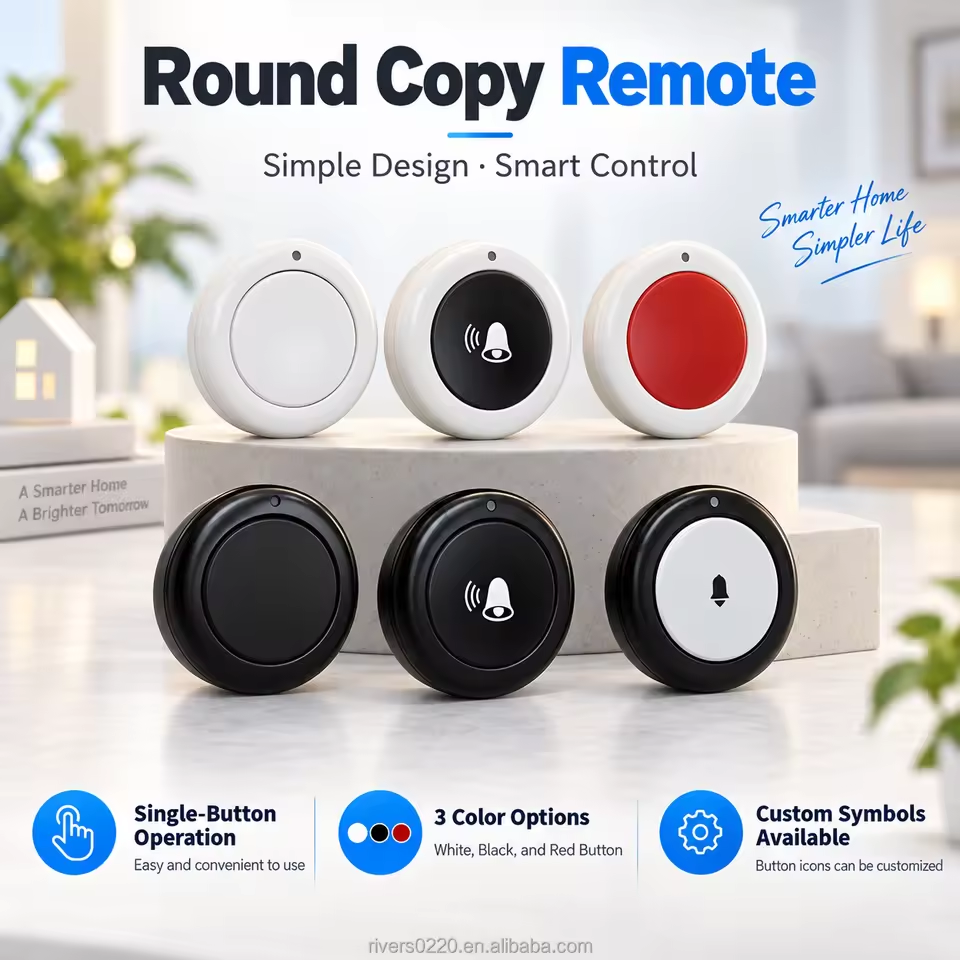
Compact single-button RF duplicator with face-to-face code copying, an LED status indicator and a CR2032 battery. Available in 315MHz and 433.92MHz versions for compatible gate, garage door, access and lighting controls.
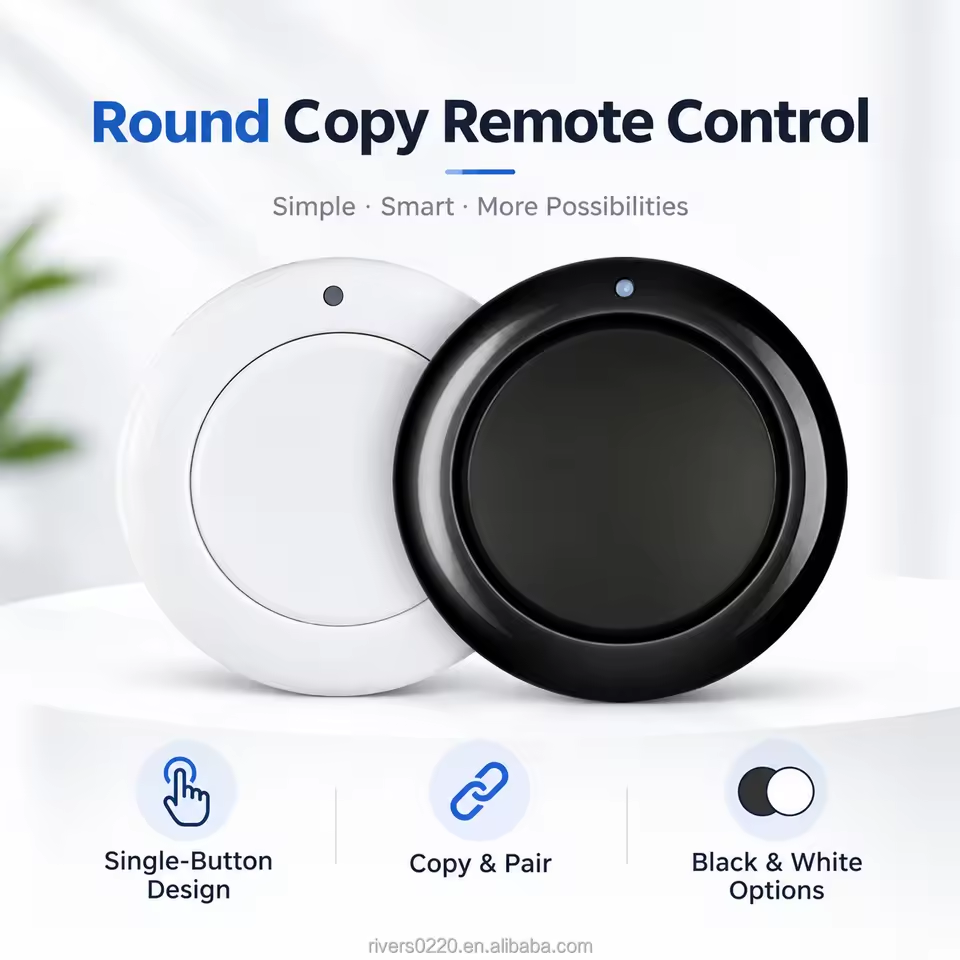
Compact one-button ASK remote for face-to-face copying of compatible RF transmitters. Choose a 315MHz or 433.92MHz version for gate, garage door, access or lighting control.
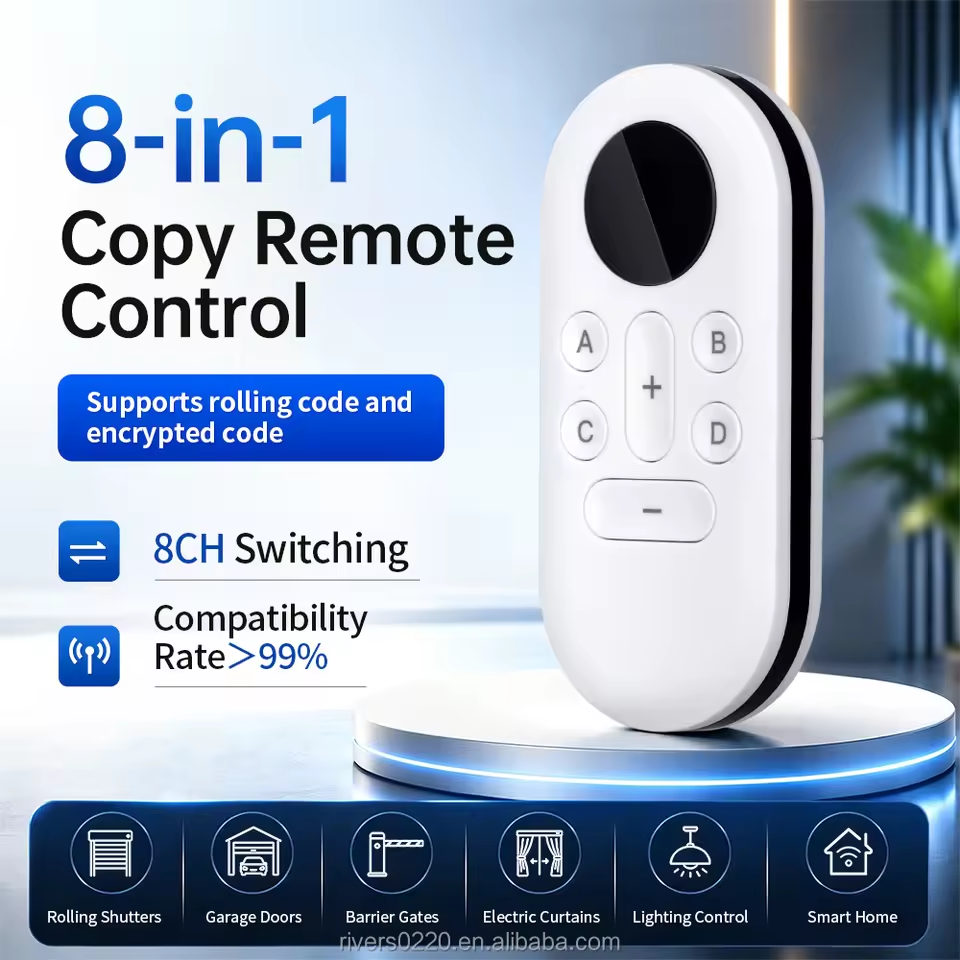
A six-button, multi-frequency garage door remote designed to copy compatible fixed-code and supported rolling or encrypted-code transmitters, with switching for up to eight stored controls.
Five-button EV1527 learning-code RF remote with ASK modulation, 315/433.92 MHz options and approximately 30 m open-area control range.
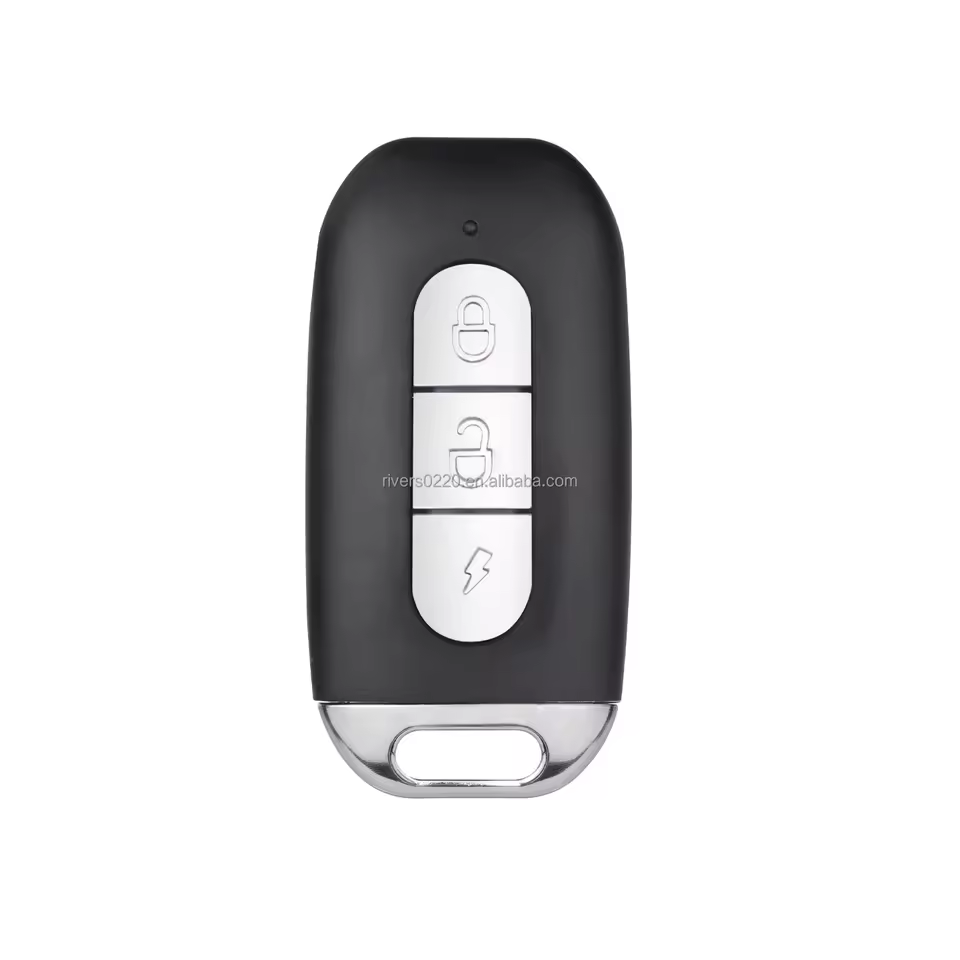
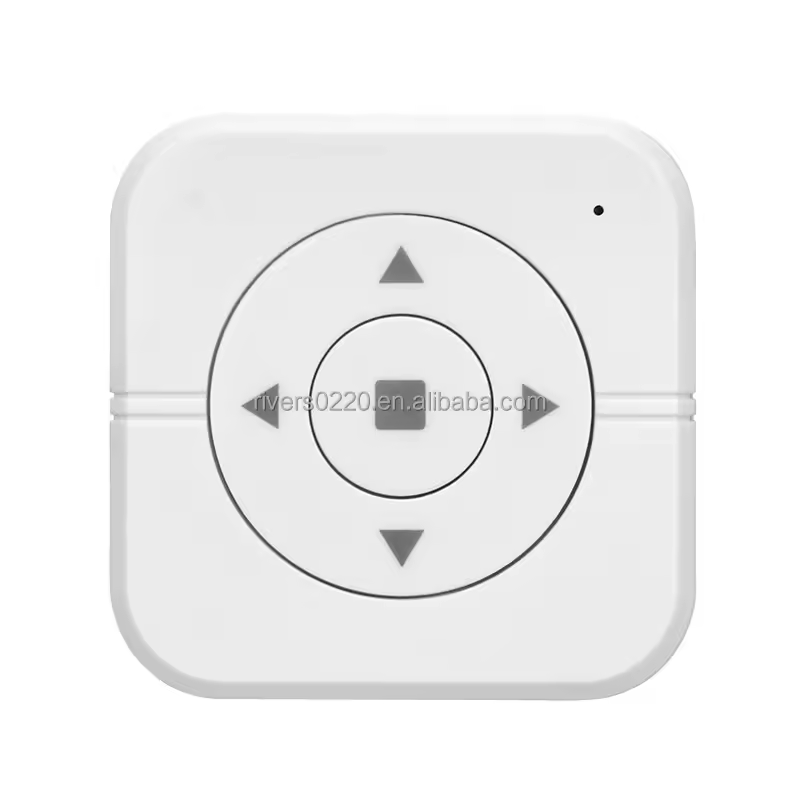
Compact three-button RF cloning remote for compatible 315 MHz or 433 MHz control systems, suitable for lighting, doors, curtains and smart-home applications.
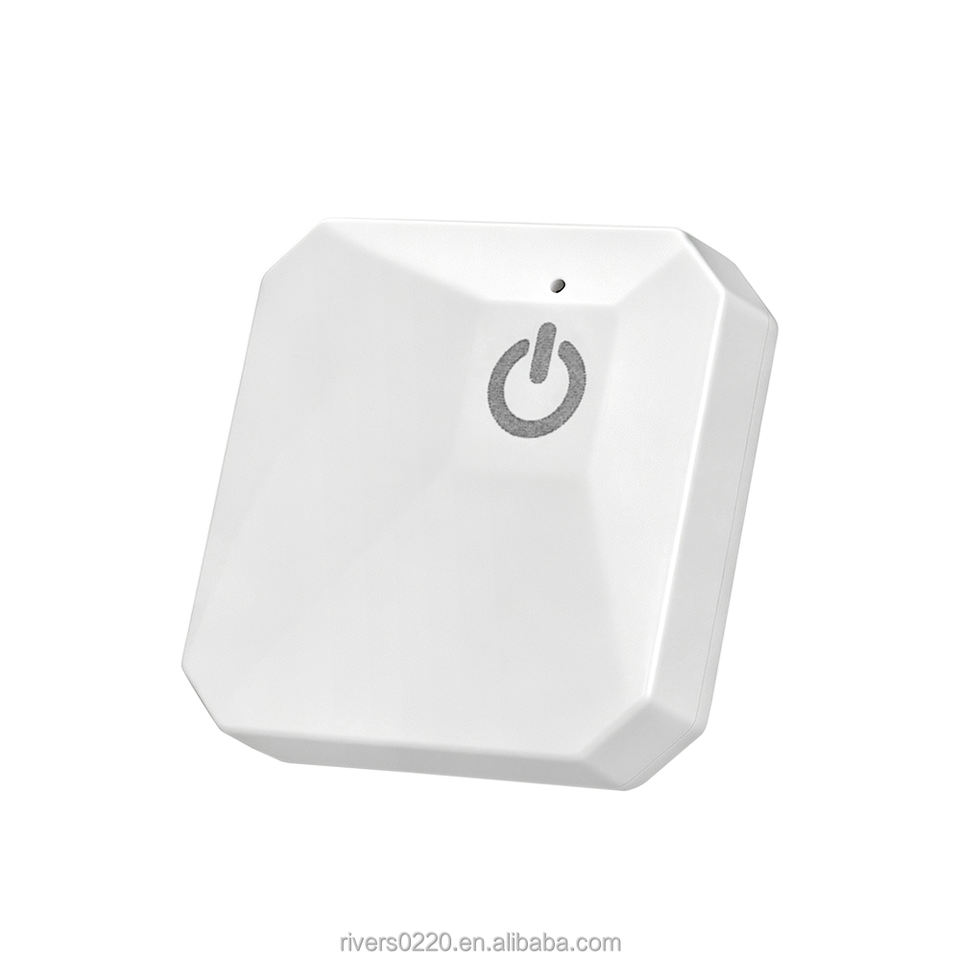
Compact one-button touch RF transmitter for smart lighting and home automation, available in 315MHz or 433MHz with learning-code compatibility and a typical 30–60 m control range.
SELECTION GUIDE
A remote is one half of a control link. A familiar enclosure or a matching frequency does not establish compatibility. For a replacement, identify the existing receiver and coding method first. For a new design, review the transmitter and receiver together before choosing the number of buttons.
Record the receiver model, operating frequency and supported code format. Learning-code, fixed-code and rolling-code products need the corresponding receiver support; do not select a replacement by appearance alone.
List the commands an operator needs: a single trigger, independent channels, or paired commands such as open and close. Confirm how the receiver handles a held button, a second press and conflicting commands.
Describe the actual distance, walls or metalwork, mounting position and how the remote will be carried. Treat a listed open-area range as a starting condition for testing, not a promise of installed range.
PRODUCT COMPARISON
Use the listed specifications to shortlist a starting point. Open the product page for the full configuration and confirm any unlisted requirement with us.
| Product / model | Frequency | Coding | Buttons / channels |
|---|---|---|---|
| SD-1 Single-Button Cloning RF Remote ControlSD-1 | Frequency options: 315MHz / 433.92MHz | Code copying: Face-to-face copying for compatible same-frequency remotes | Buttons: 1 |
| SD-1 Single-Button RF Cloning Remote – 315/433.92MHzSD-1 | Operating frequency: 315 MHz or 433.92 MHz (select variant) | Confirm with us | Confirm with us |
| RK718 8-in-1 Multi-Frequency Garage Door Remote DuplicatorRK718 | Confirm with us | Code support: Fixed-code copying; selected rolling/encrypted codes (verify compatibility) | Buttons: 6 |
| RK2503 5-Button 315/433MHz EV1527 RF Remote ControlRK2503 | Frequency: 315 MHz / 433.92 MHz (other frequencies customizable) | Coding: EV1527 Learning Code | Buttons: 5 |
| R11 3-Button MCU Universal Cloning RF Remote ControlR11 | Working Frequency: 315 MHz / 433 MHz | Code Option: Copy Code Optional | Buttons: 3 |
| RK1004 Touch Wireless Remote Control – 315/433MHz One-Button RF TransmitterRK1004 | Working frequency: 315MHz or 433MHz | Coding: Learning code | Buttons: 1 touch button |
APPLICATION FIT
For an access-control replacement, compatibility comes first. For lighting, make the button labels and on/off behavior clear. For equipment with several functions, map each button to its intended command and review the receiver logic before sampling.
Explore RF control applications ↗OEM & CUSTOMIZATION
Share the required button legends, logo, enclosure preferences, coding method and packaging. We can review these requests against the selected transmitter platform. Confirm the agreed configuration on a sample before approving an order.
See our customization capabilities ↗BEFORE YOU SPECIFY
No. Frequency is only one part of compatibility. The receiver must also support the transmitter’s modulation, code format and pairing method. Send the existing model number and available documentation so the combination can be checked.
Do not assume it can. Replacement support depends on the specific system and its enrollment process. Identify the original transmitter and receiver before selecting a replacement.
Start with the operator’s command list, then check how the receiver assigns outputs. Button count and relay-channel count are not always interchangeable. Include any stop, paired-direction or simultaneous-operation requirements in the specification.
COMPLETE THE SYSTEM
LET’S SPECIFY YOUR SYSTEM
A clear starting brief makes the first configuration easier to review.